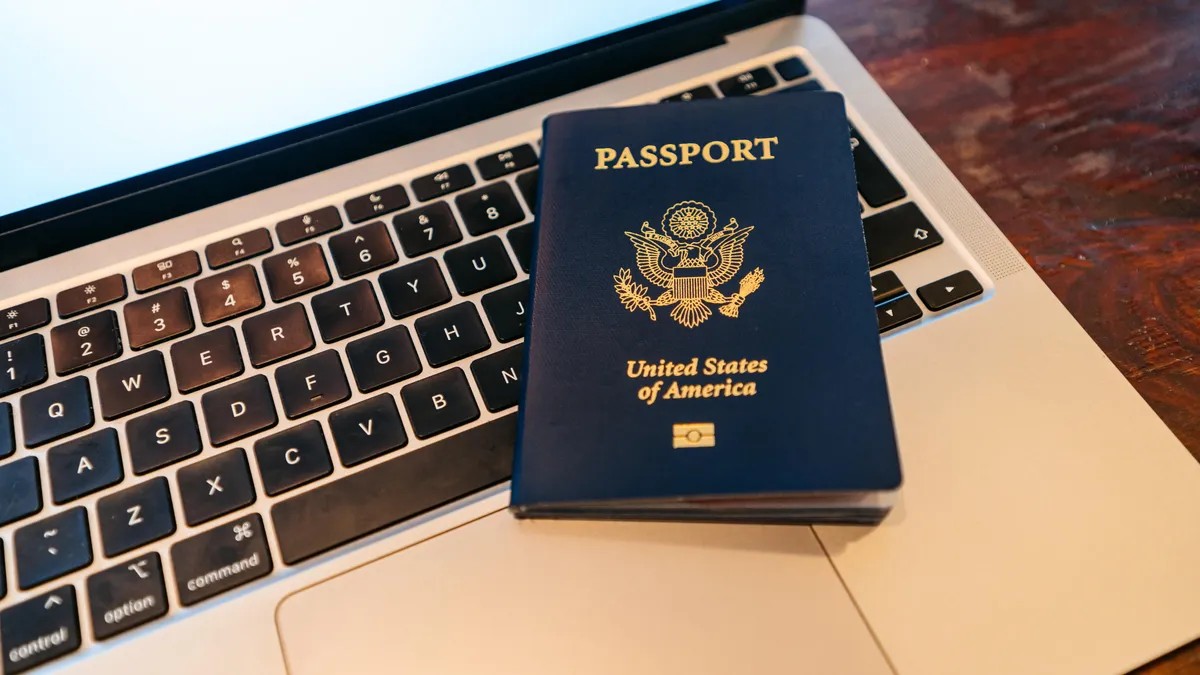
The days of navigating endless paper forms, hunting for specific printed photos, and mailing physical checks to government offices are fading. The U.S. State Department has transitioned much of the passport renewal process to a digital format, allowing citizens to manage their travel documents from home.
While this shift significantly reduces bureaucratic friction, there are specific eligibility rules and timing constraints that travelers must understand to avoid being stranded without valid documentation.
Who Is Eligible for Online Renewal?
Not every traveler can use the digital system. The online portal is designed for standard renewals rather than complex cases involving identity changes or special diplomatic status.
To qualify for online renewal, you must meet the following criteria:
– Age & Residency: You must be at least 25 years old and a resident of a U.S. state or territory.
– Passport History: Your current passport must have been issued within the last 15 years and must have been a valid 10-year passport.
– Condition: You must still possess your current passport, and it must be undamaged and intact.
– Consistency: You cannot use the online system if you need to change your name, gender, date of birth, or place of birth from your previous document.
– Document Type: Only regular passports are eligible. “Special issuance” passports (such as diplomatic, official, or service passports) cannot be renewed online.
⚠️ Critical Travel Warning: Once your online renewal application is accepted, your existing passport is immediately canceled. You should not plan any international travel for at least 8 weeks after submitting your application to ensure you are not left without a valid document.
The Step-by-Step Digital Process
The online system is designed to be efficient, with an estimated completion time of roughly 40 minutes. Here is how to navigate the process:
1. Set Up Your Digital Identity
Before applying, you must create a MyTravelGov account. This utilizes the login.gov system, which requires multi-factor authentication for security. You will need to verify your email address and set up a secure password to proceed.
2. Gather Your Requirements
To complete the application in one sitting, have the following ready:
– Your current U.S. passport.
– A digital passport photo (uploaded directly to the portal).
– A method of payment (credit card, debit card, or ACH bank transfer).
3. Complete the Application
Once logged in, you will enter your current passport details, legal name, and your choice of document (passport book, passport card, or both). After uploading your photo and submitting payment, the system will send two confirmation emails: one for the pending payment and one once the payment is successfully processed.
Understanding Processing Times and Costs
It is a common misconception that renewing online results in faster service. The processing speed is the same as traditional methods.
- Routine Service: Whether you apply online or by mail, expect a turnaround of six to eight weeks.
- Expedited Service: If you are in a hurry, you must apply by mail and pay an additional $60 fee for expedited processing.
Passport Books vs. Passport Cards
The online system allows you to renew both types of documents if you hold both.
– Passport Books: Required for all international air travel.
– Passport Cards: Wallet-sized documents suitable for land or sea travel to Canada, Mexico, and the Caribbean, but not valid for flying internationally.
Summary: The online renewal system offers a streamlined, digital alternative to traditional mail-in applications, provided you meet specific age and document history requirements. While it saves time on paperwork, travelers must still account for the standard 6–8 week processing window and avoid international travel immediately after applying.