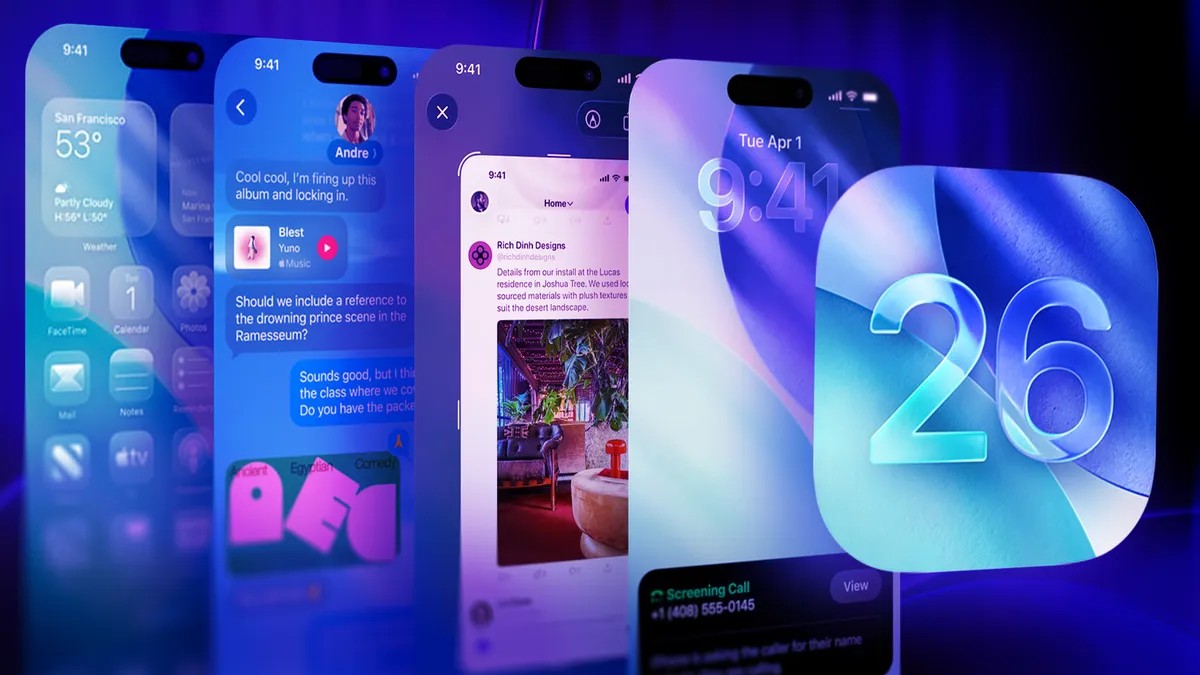
Apple dropped iOS 26.3. (a) last March.
It was small.
But it mattered.
It marked the first release of Background Security Improvements. A feature originally introduced with iOS 26. (1) back in November. These aren’t features. They’re patches. Lightweight ones.
“Background Security Improvements delivers lightweight security repairs for components such as the Safari browser, WebKit framework stack and other system libraries that benefit from smaller, ongoing security patches between software updates,” Apple stated.
Doesn’t it feel like a ghost of Rapid Security Responses past?
Apple launched RSR in 2023 to fix bugs fast. They stopped in July 202.
Silence since then.
Until now.
How to turn it on
You have to opt-in. Mostly.
Here’s the drill:
- Open Settings.
- Go to Privacy & Security.
- Find Background Security Improvements. It’s near the bottom.
- Toggle on Automatically Install.
Your phone handles the rest. Downloads the bits. Fixes the holes.
Why bother
Between the big updates, things leak. These plug those leaks.
Apple says it offers extra protection. But it’s not magic. If the system complains, these updates might get removed. Temporarily. Until a better one arrives.
In the beta phase, you could delete these fixes manually.
Apple took that button away in the final release.
Guess they decided trust is mandatory now. Or maybe they just wanted to stop users from shooting themselves in the foot.