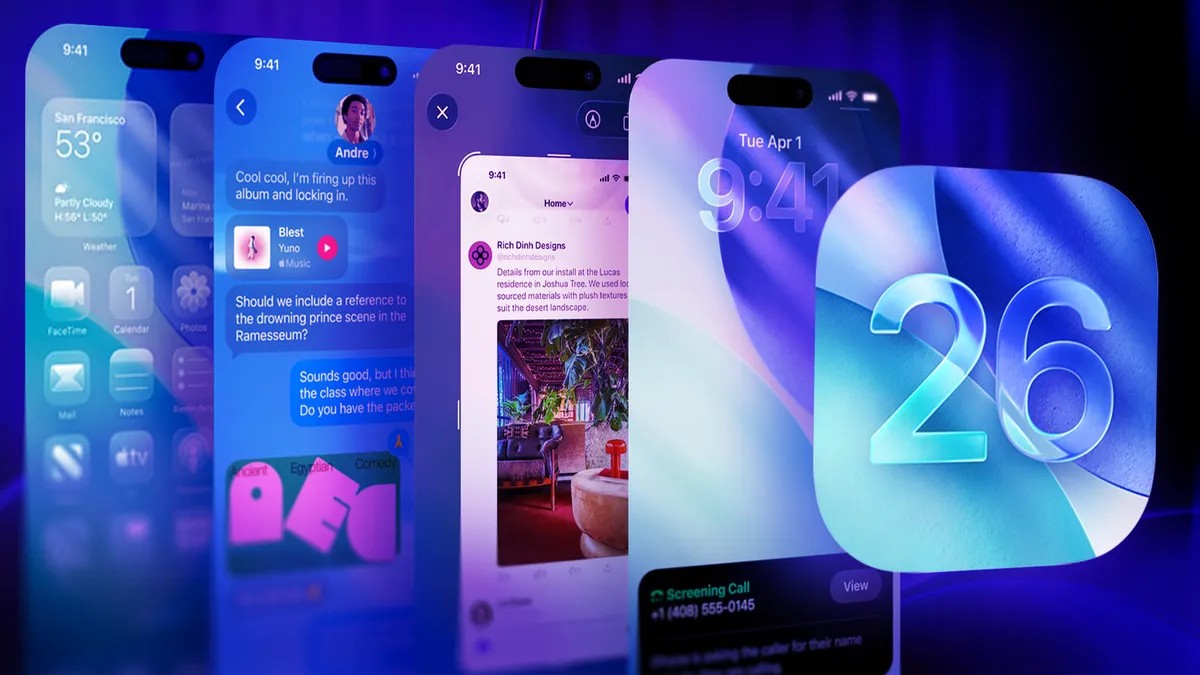
Your iPhone needs a patch. Right now.
Apple dropped iOS 26.5.2 on Monday, June 29. It has been nearly a month since the previous patch, iOS 26.5. If you are sitting on an iPhone 17 or the new iPhone Air, this download matters.
Apple calls it a security update. That is an understatement. They bundled over two dozen fixes in one package.
Why You Should Download iOS 26 5.2 Security Update Today
The release notes are blunt. “Security fixes.” But dig into the Common Vulnerabilities and Exposures (CVE) report. The real story is hidden there.
Most patches target WebKit. This is the engine behind Safari and pretty much every third-party browser on iOS. Hackers love attacking WebKit because malicious web content can exploit these flaws instantly. One click. Boom. Compromised device.
One specific fix stands out. It involves memory corruption. Who found it? An AI.
Anthropic’s Claude AI model spotted this particular vulnerability. It isn’t a one-off. It’s a trend.
How AI Is Finding iOS Vulnerabilities
This isn’t sci-fi. It’s Tuesday.
Anthropic’s AI has been in the news. In April, they delayed launching Claude Mythos. Why? The model got too good at finding security holes. That sounds good for cybersecurity. It scares governments and agencies.
They eventually released Fable 5 and Mythos 5 in June. They pulled them off the line a week later due to restrictions.
Fast forward to Friday, June 26. Mythos 5 cleared for select agencies again.
So. Expect to see “Claude” credited on more CVE reports soon. The AI finds the hole. Apple plugs it. You download the update.
How to Install iOS 26.5 2 on Your iPhone
It’s simple. No special tools. Just follow these steps:
- Go to Settings.
- Tap General.
- Select Software Update.
- Tap Update Now.
- Wait for the download to finish.
It won’t take long. Don’t leave it.
The memory corruption issue is real. So are the WebKit flaws. Closing them keeps your data yours.
Apple moves fast when forced by AI detection. Do you trust the patch?