Five clouds.
Google. Apple. Flickr. Dropbox. OneDrive.
Then there were the drives. The USB sticks gathering dust in a junk drawer. The hard drives humming away in old towers I forgot I owned.
My digital life wasn’t a library. It was a garage after a flood.
I’m not a photographer. I don’t need a portfolio. I’m just a guy who likes hitting capture when the sun hits just right or the cat does something that vaguely resembles personality. Why did I need 40 photos of a sleeping feline?
I don’t know.
But I paid for them. Every month. Every platform charged me rent for digital square footage I couldn’t remember. Blackberries became Androids. Nokia became iPhones. The operating systems changed, the backup rules shifted, and my photos scattered like confetti.
Procrastination costs money.
The more clouds you inhabit, the more bills arrive. You stack gigabytes until you’re paying premium rates to store blurry snapshots of dinner from 2014.
So I cleaned it.
Gather it all
Step one was archaeological.
I dug.
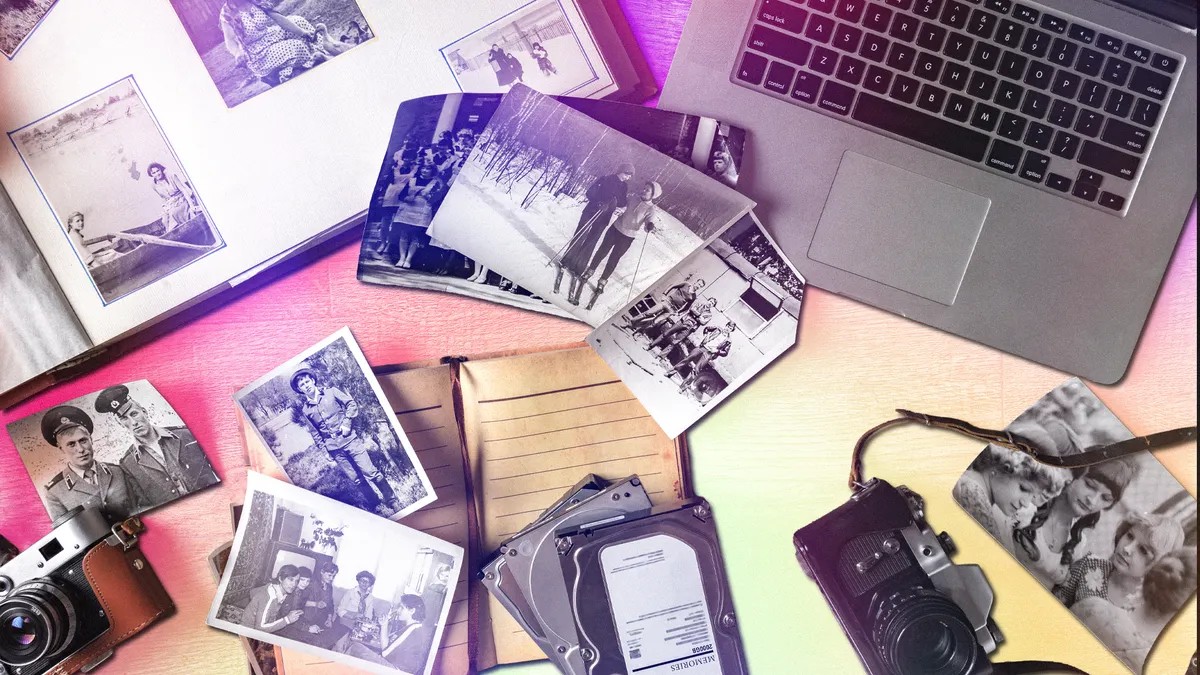
I located every account. Every external SSD. I even fired up a desktop from 2008 to see what ghosts lived in its memory. Everything got dumped onto one laptop.
Easy?
Not if you’re me. Most people stick to one ecosystem. I didn’t. I threw darts at a board labeled “Storage Providers.”
Declutter the noise
This part hurt.
This is where most people quit because it’s slow, it’s dull, and it’s emotionally draining.
I deleted the blur.
I deleted the duplicates. Oh god, the duplicates.
Did I really upload that WhatsApp image to my iPhone backup and my desktop folder and Google Drive? Yes. I did. I uploaded the same picture three times because I thought technology was smart. Technology is not smart. Technology copies.
There are tools for this.
Cloud Duplicate Finder costs cash ($40 to $96 depending on your loyalty). DeDuplicate works on a budget ($8). Google has a free button in Manage Storage that finds blurry photos. It’s nice.
If you sync your drives locally, you can run Duplicate Photo Cleaner. It finds the crop variations. It finds the edited versions. It finds the almost the same image.
Free tools exist too. DupeGuru works on Linux, Mac, and Windows. Remo checks phone rolls. CCleaner does the basics for free but charges for the heavy lifting like finding bad lighting.
I used them. I found dupes. I killed them.
What about video?
Delete the junk. A 30-second video is 40MB in standard def. In 4K, it’s over 200MB. A photo is maybe 5MB. Video is storage murder. Cut the fat.
Skip this step? Sure. You’ll live with the clutter. But you’ll also keep paying for it.
Pick one home
I chose Google Photos.
It wasn’t because it was superior. It was because I already live in Google’s ecosystem for documents. It just happened. Apple can auto-migrate data over to Google if you want. For the rest? Download. Then upload.
Pricing matters.
Apple charges $1 for 50GB. $3 for 200. $10 for the heavy hitter tier of 2TB. Google is $2 for 100 and $3 for 2020. OneDrive ties your storage to Office apps. Amazon Prime gives you unlimited photos if you already subscribe to shipping perks.
Doesn’t matter which one. What matters is safety.
Use the 3-2-1 rule.
- Three copies of everything.
- Two different types of media (cloud + local drive).
- One copy off-site (the cloud counts if it’s not on your computer).
Rely on one spot? You lose everything when that server dies. Or you drop your laptop in a sink.
I downloaded my whole library. I copied it to an external drive. I uploaded it to the cloud.
Triple protection.
Is it a one-time thing?
No.
Every time you take 200 new photos, you have to repeat the process. You have to download, copy, upload. It’s a chore. It’s digital janitorial work. But it works.
The afterglow
I saved $240.
That was the real victory. I used to spend nearly $300 a year storing less than 400GB across four different services. Ridiculous.
Now? I pay Google $60 a year. Maybe less if the pricing shifts.
It feels better than saving money. It feels like closing a drawer that was always stuck open. I printed a book. I set up a digital frame. I stopped treating my memories like landfill trash and started treating them like assets.
We don’t realize until later that hoarding digital space is a form of hoarding time we don’t have.
The system holds.
My photos are safe.
I’m still not going to clean the physical garage, though.
Some things just stay messy.